.png)
How to Audit Your Delivery App Payout Statement: Catch the Money You're Missing

Every week, DoorDash, Uber Eats, and Grubhub send you a payout. Most restaurant owners glance at the total, confirm it looks roughly right, and move on to the next fire. That total is exactly where money goes missing.
Unauthorized refunds get deducted automatically. Canceled orders show up at $0.00 paid even though your kitchen made the food. Fee rates quietly drift above what your contract says. None of it is obvious unless you read the statement line by line.
A weekly audit takes about 20 minutes. Here is how payouts work, what to look for, and how to run the routine.
How Delivery App Payouts Actually Work
Each platform batches your orders into a payout period, usually one week, then deposits the net amount into your bank account. The payout statement breaks down what happened between gross sales and the money that actually landed.
A typical statement has five parts:
Gross sales: the total value of orders placed through the app.
Commission and fees: the platform's cut, deducted before you see a dollar.
Refunds: money returned to customers, deducted from your payout.
Adjustments: credits or corrections, positive or negative.
Net payout: what gets deposited.
Where to find yours:
DoorDash payout statement: DoorDash Merchant Portal, under Payments. Shows weekly pay periods with per-order breakdowns.
Uber Eats payout statement: Uber Eats Manager, under Payments. Weekly statements with order-level details.
Grubhub payout statement: Grubhub for Restaurants dashboard, under direct deposit reports.
The critical thing to understand: refunds are deducted from your payout automatically, often with little notice and no request for your side of the story. The statement is the only place you will see them.
The 5 Line-Item Red Flags That Cost Restaurants the Most
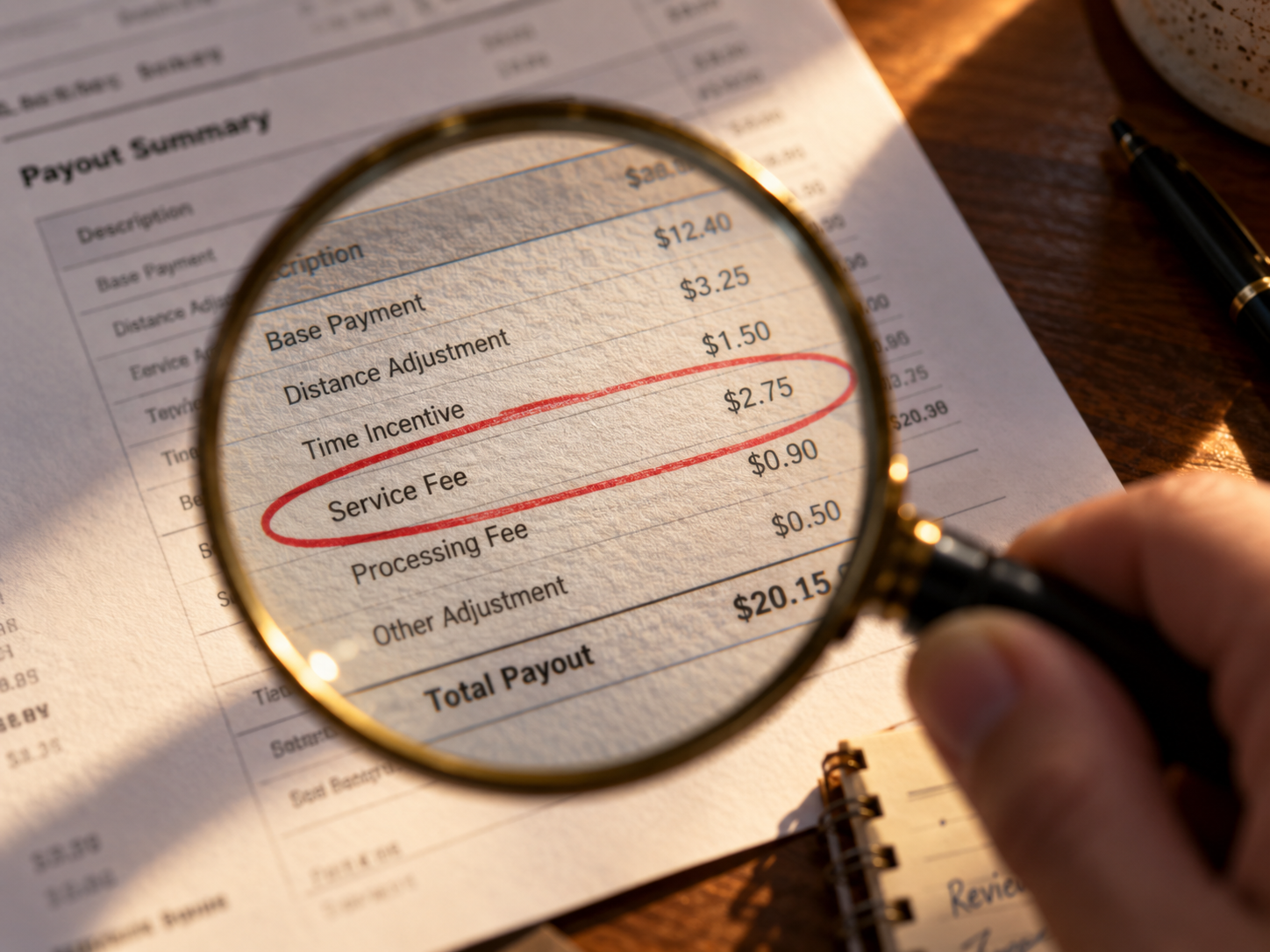
1. Refunds you never approved
This is the biggest leak. A customer reports a problem (missing item, late delivery, wrong order), the platform refunds them, and the amount comes out of your payout. You are rarely asked for evidence before the refund is issued.
On your statement, look for any refund line attached to an order your kitchen prepared correctly and handed to the driver. If the food left your restaurant complete, that refund deserves a dispute.
2. Canceled orders paid at $0.00
When an order is canceled after your kitchen already made it, many platforms pay nothing. Your statement will show the order with a canceled status and $0.00 paid. The ingredients, labor, and packaging are already spent.
Flag every canceled order where food was prepared. Depending on the platform and the timing of the cancellation, you may be owed partial or full payment.
3. Commission or fee rates that do not match your contract
Your statement lists the commission percentage taken on each order. Compare it to the rate in your signed agreement. Rate creep is real: plan changes, added service fees, and misclassified orders can push your effective rate above what you agreed to.
Pull your contract once, write down your agreed rates for each platform, and check them against the statement every week. A one or two point difference across hundreds of orders adds up fast.
4. Missing credits and adjustments
Platforms sometimes owe you money: promotional reimbursements, error corrections, or credits promised by support after a previous dispute. These appear as positive adjustments on your statement.
If support told you a credit was coming and it never appears, that is a red flag. Keep a running list of every promised credit and confirm each one lands.
5. Duplicate deductions for the same order
Occasionally the same refund or fee is deducted twice for one order. It is easy to miss because the two lines may sit in different sections of the statement or in different payout periods.
When you spot a refund, search the statement for the order number and confirm it appears only once.
Your 20-Minute Weekly Audit Routine
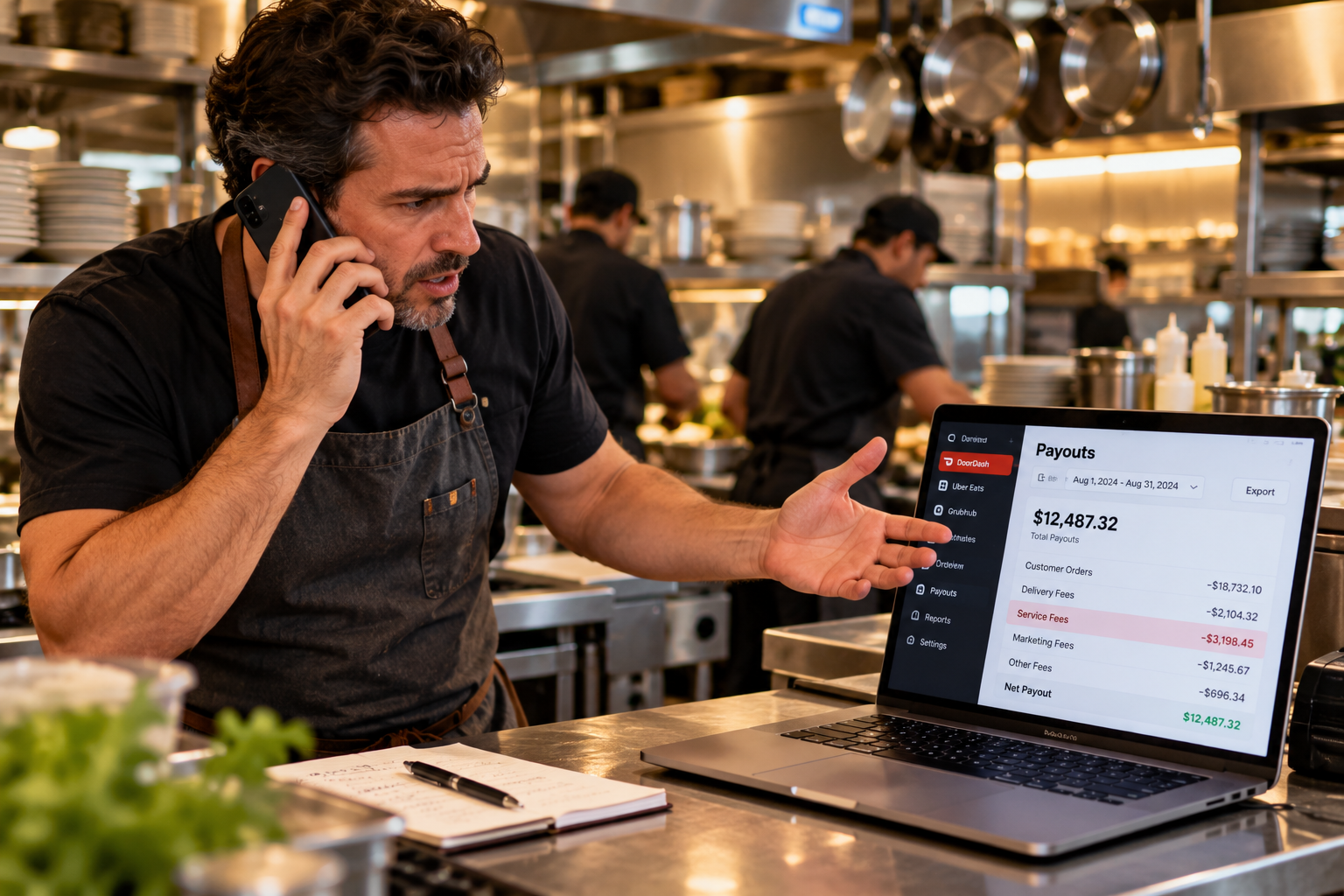
Do this once a week, ideally the morning your payout lands. Put it on the calendar like any other recurring task.
Step 1: Pull the statement (2 minutes). Download or open the payout statement for the most recent pay period in each platform's merchant dashboard. If you use more than one platform, audit them one at a time.
Step 2: Scan every refund line (5 minutes). Read each refund. For each one, ask: did the kitchen make this order correctly, and did the driver receive it? If yes, mark it for dispute. Note the order number, amount, and reason given.
Step 3: Check canceled orders (5 minutes). Find every canceled order. Confirm whether food was prepared before the cancellation. If it was, note what you are owed and whether the platform's policy covers it.
Step 4: Verify fees against your contract (3 minutes). Spot-check the commission rate on five to ten orders against your agreed rates. If anything looks off, check the rest.
Step 5: Flag and file (5 minutes). For every red flag, start the dispute in the platform's dashboard the same day. Save the confirmation or case number. Issues get harder to win the longer you wait.
What Documentation to Keep for Every Dispute
Winning a delivery app refund dispute comes down to evidence. Platforms side with whoever has the better paper trail. Keep these for every flagged order:
Order details: order number, date, time, items, and total, straight from the statement.
Preparation proof: kitchen ticket or POS record showing the order was made.
Handoff proof: driver pickup confirmation, timestamp, or any record showing the bag left your restaurant complete.
Photos: if you photograph completed orders before handoff, keep them filed by date. This is the single strongest piece of evidence you can have.
Correspondence: every message with platform support about the order, including case numbers and promised credits.
Store it all in one folder per week. When a dispute needs evidence, you will have it in minutes instead of digging for hours.
When to Bring In Help
If your weekly audit keeps turning up the same problems, or your disputes go nowhere, you are not alone. Most independent operators do not have the time to fight every refund, and the platforms count on that.
Jelly exists for exactly this. Founded in 2021, Jelly disputes unfair delivery app refunds on behalf of restaurants and recovers the money, with an 89% success rate and over $1.6M recovered for hundreds of restaurant locations. You keep running your restaurant. Jelly handles the paperwork, the evidence, and the back and forth.
Jelly's plans are priced for restaurants of every size. See current pricing at gotjelly.com/plans. The Pro plan includes a 30-day free trial with no credit card required.
Frequently Asked Questions
How often should I audit my delivery app payout statement?
Weekly. Audit each payout the morning it lands, while the orders are fresh and disputes are easiest to win. A monthly review lets too many small deductions pile up unnoticed.
Can I dispute a delivery app refund after it has been deducted?
Yes. Refunds deducted from your DoorDash, Uber Eats, or Grubhub payout can be disputed after the fact through each platform's merchant dashboard. Gather your evidence first: order details, preparation proof, and handoff records. There are time limits, so file quickly.
What is the most common payout error restaurants miss?
Unauthorized refunds. They are deducted automatically, often without notice, and most owners never check the refund lines on their statement. A single location can lose hundreds of dollars a month this way without realizing it.
Do DoorDash, Uber Eats, and Grubhub statements show the same information?
The basics are the same (orders, fees, refunds, adjustments, net payout), but the layout, labels, and level of detail differ by platform. DoorDash and Uber Eats both offer per-order breakdowns in their merchant portals. Learn where each line lives on each platform you use.
How long does a delivery app refund dispute take?
It varies by platform, but most disputes take one to three weeks for an initial decision. Having complete documentation ready when you file speeds things up considerably.
What if the delivery app denies my dispute?
You can usually appeal with additional evidence. If appeals go nowhere, or the volume of disputes is eating your time, a recovery service like Jelly can take over. Jelly's team handles the full dispute process and has recovered over $1.6M for restaurants at an 89% success rate.


Comments