.png)
Who Pays When a Delivery App Cancels Your Order? What Restaurants Need to Know

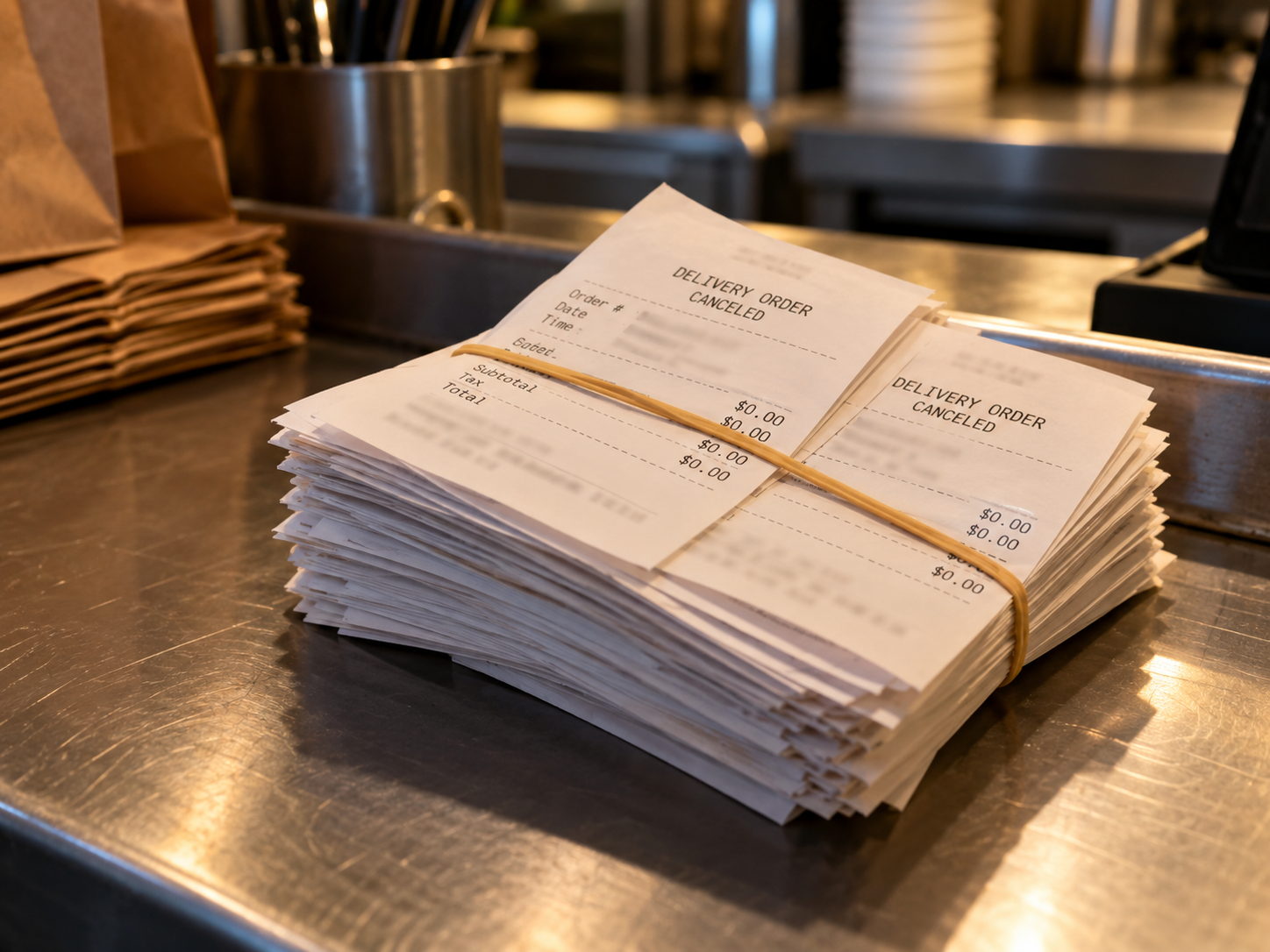
You made the food. You bagged it. You handed it to the driver. Then the order was canceled, your payout statement shows $0.00, and nobody can tell you why.
This happens to restaurants every single day on DoorDash, Uber Eats, and Grubhub. The food is gone, the labor is spent, and the money never arrives. Here is exactly what happens financially when a delivery app cancels your order, who bears the cost in each scenario, and what you can do to get paid.
The Three Ways a Delivery Order Gets Canceled
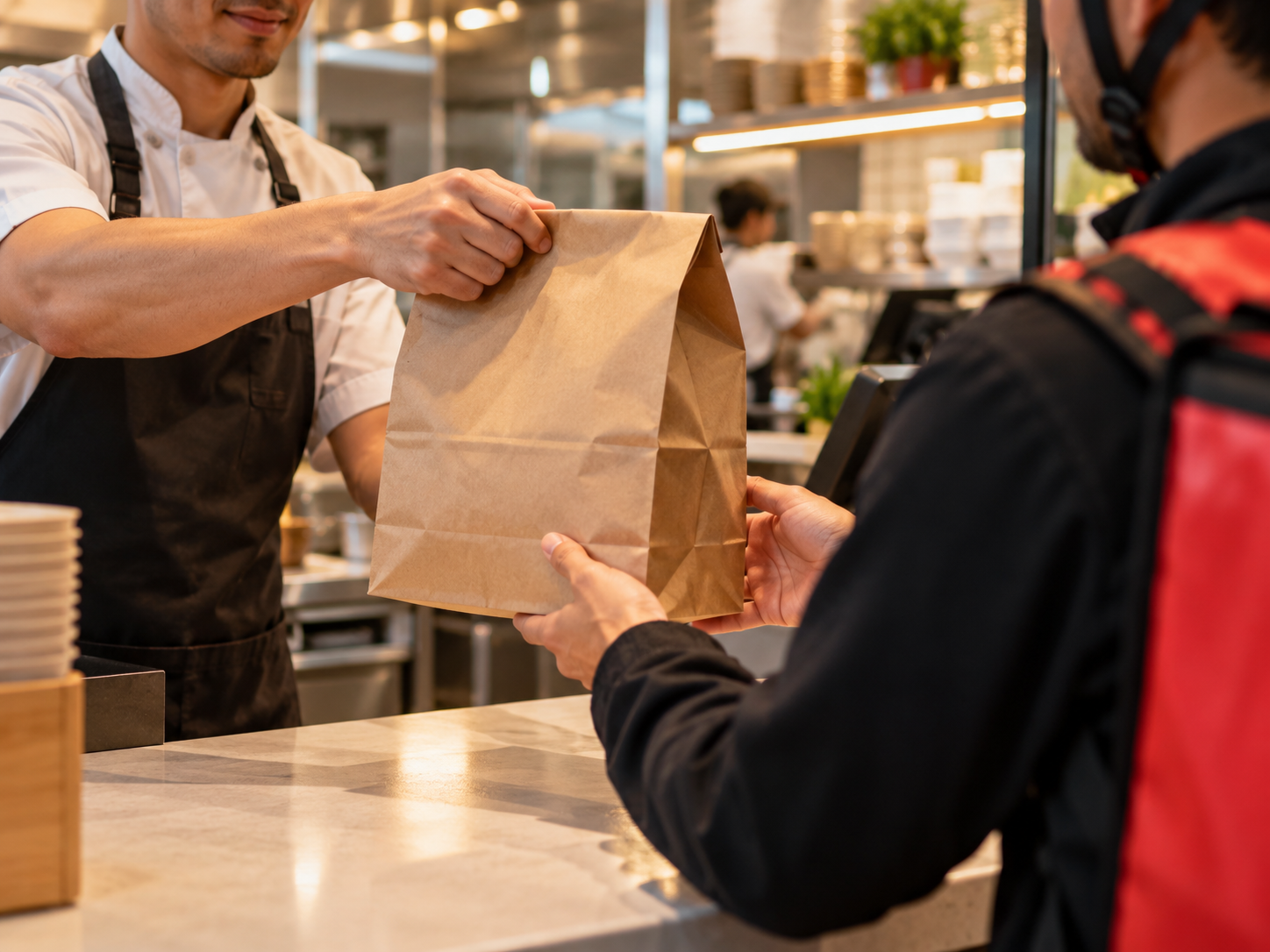
Not all cancellations are the same. Who pays for a canceled delivery order depends on who canceled it and when.
1. The customer cancels
A customer can cancel through the app before the food is picked up. Most apps give customers a short window to cancel for free. If the cancellation comes in after you already started cooking, or after the driver picked up the bag, the app is supposed to still pay you. In practice, many restaurants report that late customer cancellations still show up as $0.00 on the payout statement, with no explanation.
2. The driver cancels or unassigns
Drivers cancel pickups constantly. The food sits too long, the address looks wrong, a better-paying order comes in, so they unassign. Usually another driver gets assigned. But sometimes the order bounces between drivers until the app cancels it outright. When that happens, the restaurant is almost never notified. You find out days later when you reconcile the payout.
3. The app cancels
The app itself cancels orders for suspected fraud, payment failures, address problems, or system errors. These are the most frustrating cancellations because there is no customer to talk to and no driver to verify with. The order simply disappears, the customer is refunded automatically, and your statement shows a canceled order refund with no payout attached.
Who Pays for the Food in Each Case
Here is the uncomfortable truth: in almost every cancellation scenario, the restaurant absorbs the cost by default.
When a delivery app cancels an order, the standard flow is:
1. The app refunds the customer in full.
2. The app removes the order value from your payout.
3. You receive nothing for the food, the packaging, or the labor.
The apps position this as standard policy. The customer gets their money back from the platform, the platform keeps its commission structure intact, and the restaurant is left holding the bag, literally. Unless you actively dispute the cancellation, that $0.00 is final.
Some apps have partial protections on paper. DoorDash, for example, has stated that restaurants should be paid for orders canceled after preparation began. Uber Eats and Grubhub have similar language in their merchant terms about compensation for prepared orders. But these protections are not automatic. They require you to notice the missing payout, gather evidence, file a dispute, and follow up, often more than once.
Why Restaurants Often Never See a Dime
Three structural reasons make canceled orders a silent profit leak:
You are not notified. Apps do not send an alert that says "Order # 4821 was canceled, you were not paid." The cancellation only appears as a line item buried in a weekly payout statement, mixed in with dozens of completed orders.
The burden of proof is on you. To dispute a canceled order, you need to show the food was prepared and handed off. Most restaurants do not photograph every bag or log every driver handoff, because during a rush there is no time.
Disputing takes time you do not have. Each dispute means opening a support ticket, waiting days for a response, getting a form rejection, and appealing. Multiply that by several canceled orders a week and it becomes a part-time job nobody hired for.
The result: most canceled orders are never disputed, and the apps keep money that should have gone to the restaurant.
How Each App Handles Canceled Orders
Policies change often, and the exact terms live in each platform's merchant agreement. But the general pattern across DoorDash, Uber Eats, and Grubhub is consistent:
DoorDash canceled orders: When DoorDash cancels an order, the restaurant payout is typically removed. DoorDash's merchant terms include provisions for paying restaurants when cancellations happen after food preparation, but restaurants report that payment rarely arrives without a dispute. Driver-canceled orders that get reassigned usually process normally; the problem cases are the ones canceled outright.
Uber Eats canceled orders: Uber Eats refunds the customer and zeroes the restaurant payout on canceled orders. Their terms describe compensation for prepared food in some cancellation scenarios, but like the other platforms, it is not applied automatically. Restaurant owners frequently discover these only during payout reconciliation.
Grubhub canceled orders: Same structure. Customer refunded, restaurant payout removed, dispute process required to recover anything. Grubhub's smaller order volume means fewer cancellations in absolute terms, but the per-order impact on a small restaurant is identical.
The takeaway across all three: do not assume the app will pay you automatically for a canceled order. Assume you will need to prove it and ask.
How to Document a Canceled Order (So You Can Dispute It)
You cannot dispute what you cannot prove. Build these habits into your closing routine:
1. Save every payout statement. Download the weekly statement from each app and keep it. This is where canceled orders appear. 2. Flag every $0.00 line. Go through the statement line by line and highlight every canceled order that shows no payout. 3. Record the handoff. Note the order number, the time the bag left your counter, and the driver's name if visible in the app. A quick photo of the sealed bag with the order sticker takes five seconds. 4. Screenshot the order status. If the app showed "picked up" or "on its way" before the cancellation, screenshot it. That status is your proof the food left your restaurant. 5. Keep your own order log. Your POS or a simple spreadsheet with order numbers, items, and times gives you an independent record to match against the app's statement.
This documentation is the difference between a dispute that gets paid and one that gets a form-letter rejection.
How to Dispute a Canceled Order and Get Paid
Once you have your documentation, the dispute process is straightforward:
1. Open a support ticket with the delivery app for each canceled order. Reference the order number, the date, and the fact that the food was prepared and handed off. 2. Attach your evidence. Include the handoff photo, the screenshot showing pickup status, and the relevant lines from your payout statement. 3. State the amount clearly. Tell them the exact order total you are owed. Do not let the ticket stay vague. 4. Follow up. If you get a rejection, appeal it with the same evidence. First responses are often automated. 5. Track everything. Log every dispute, every response, and every outcome. Patterns emerge: you will start to see which cancellation types each app actually pays for.
Most restaurant owners stop at step one or two. The ones who follow through all five steps recover a meaningful share of what they lost.
Frequently Asked Questions
If DoorDash cancels an order after I made the food, do I get paid?
Not automatically. DoorDash's terms include provisions for paying restaurants when cancellations happen after preparation, but in practice the payout is usually removed and you have to dispute it with evidence that the food was prepared and handed off.
What is the difference between a canceled order and a refunded order?
A canceled order never completes: no delivery happens and the customer is not charged (or is fully refunded). A refunded order usually means the delivery happened but the customer complained afterward and got some or all of their money back. Both can remove money from your payout, and both are worth disputing when the restaurant did nothing wrong.
Can a restaurant dispute a canceled order with Uber Eats?
Yes. Open a support case through the Uber Eats merchant portal, reference the order number, and provide evidence the food was prepared and handed to the driver. If the first response is a rejection, appeal it.
How long do I have to dispute a canceled order?
It varies by platform, but the window is short, typically days to a few weeks from the payout statement date. This is why a weekly reconciliation habit matters: if you only check statements monthly, some disputes will already be too old.
What evidence do I need to win a canceled order dispute?
The strongest evidence is proof the food left your restaurant: a handoff photo, a screenshot showing "picked up" status in the app, the driver's name from the order record, and your own order log with timestamps. The more of these you have, the harder the dispute is to reject.
Does Grubhub pay for orders canceled by the driver?
If the order is reassigned to another driver and delivered, yes, it processes normally. If the app cancels the order outright after driver cancellations, the payout is typically removed and you need to dispute it like any other cancellation.
Stop Eating the Cost of Canceled Orders
Canceled orders are one of the quietest ways delivery apps take money from restaurants. The food is made, the labor is spent, the customer is refunded, and the restaurant gets $0.00 unless someone fights it.
That is exactly what Jelly does. Since 2021, Jelly has helped hundreds of restaurant locations recover revenue lost to canceled orders and unfair refunds across DoorDash, Uber Eats, and Grubhub, with an 89% success rate and over $1.6M recovered. You do not need to spend your nights reconciling statements and filing tickets. Jelly finds the canceled orders you were never paid for, disputes them with the evidence the apps require, and gets the money back.
Jelly's plans are priced for restaurants of every size. See current pricing at gotjelly.com/plans. The Pro plan includes a 30-day free trial with no credit card required.


Comments