.png)
Grubhub Refund Recovery: How Restaurants Dispute Charges and Get Paid Back

DoorDash gets most of the attention, but Grubhub deductions work the same quiet way: a customer asks for a refund, Grubhub issues it, and the money comes out of your payout. If nobody at your restaurant reads the line and disputes it, that first automatic decision is the final one.
Grubhub refund recovery is the process of catching those charges, checking them against what your kitchen actually did, and disputing the ones that do not hold up. This guide covers how Grubhub deductions show up, which ones are worth fighting, and the exact routine restaurants use to get paid back.
How Do Grubhub Refunds End Up on Your Payout?
When a customer reports a problem, a missing item, a late order, food that arrived cold, Grubhub support resolves it fast, usually by refunding the customer. The platform then deducts that amount from the restaurant, because the restaurant payout is the account it can reach.
The scale behind those individual decisions is large. A Circuit survey of 1,066 American consumers, reported by Restaurant Business, found that nine in ten had a delivery go wrong and 52% asked for a refund. Incognia found that about 48% of consumer fraud detected on delivery apps involved refund fraud. Real mistakes, driver problems, and outright abuse all arrive on your statement wearing the same label: refund.
Which Grubhub Charges Can Restaurants Dispute?
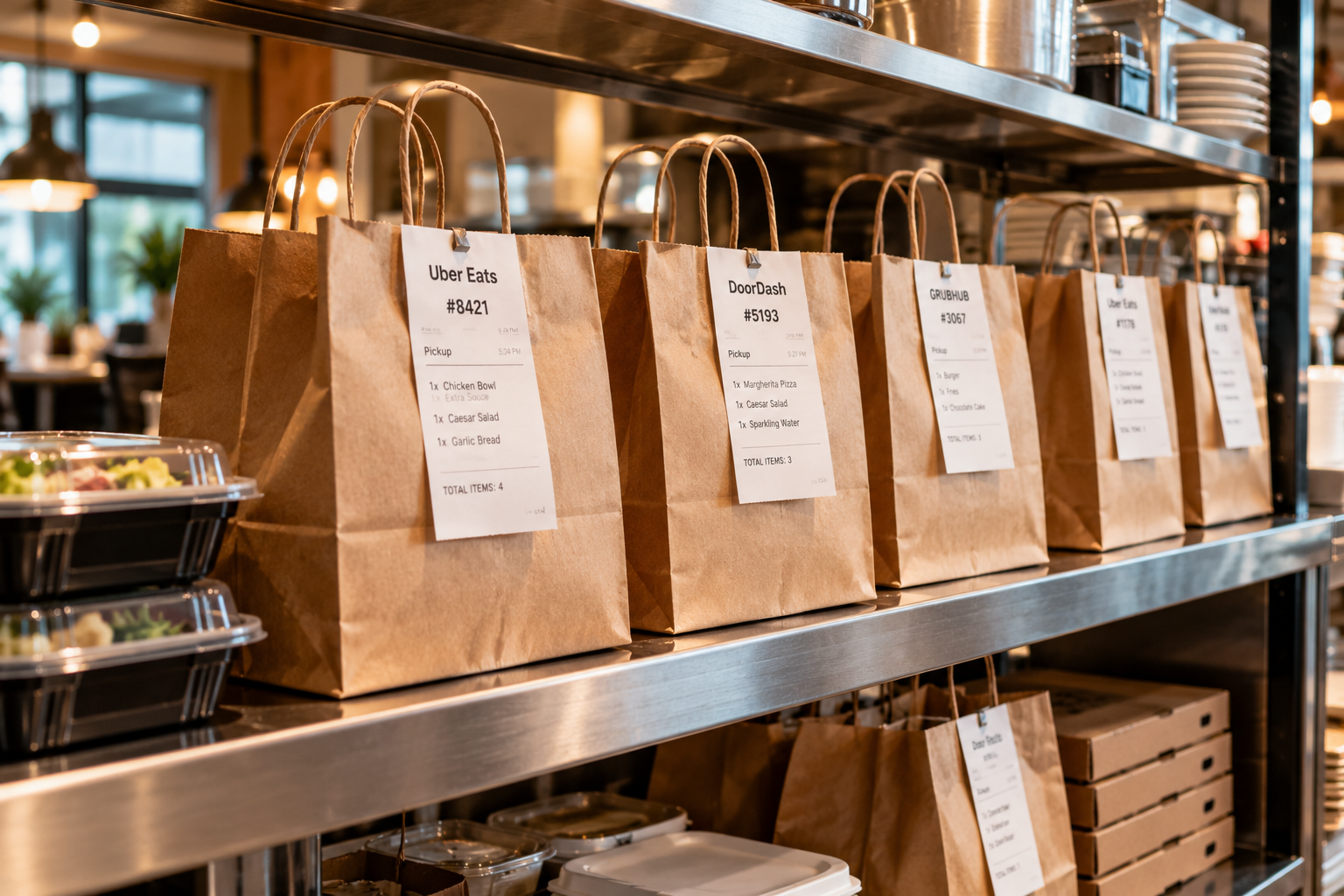
Dispute the charges where your records disagree with the claim:
Missing item refunds on complete orders. If the bag left sealed and complete, the claim is a records question, and your kitchen log is the answer. The method matches our guide to missing item refunds.
Refunds for late delivery after an on-time handoff. If your order was ready and the delay was in transit, the timeline is your case, as with late delivery refunds.
Canceled orders paid at zero after the food was made. See who pays when a delivery app cancels your order.
Duplicate deductions and fee errors. The same order refunded twice, or a commission or adjustment line that does not match your agreement. These only surface in a line-by-line payout statement audit.
Chargebacks routed through Grubhub orders. A bank dispute is not a platform refund and follows different rules; see delivery app chargebacks vs refunds.
Do not dispute charges your own records confirm. If the kitchen missed the item or fired the order late, fix that operation instead. Clean dispute histories get taken more seriously.
How to Dispute a Grubhub Charge, Step by Step
Step 1: Find the line. In Grubhub for Restaurants, open the order and financial history for the payout period and match the deduction to its order number.
Step 2: Pull your records. Kitchen ticket time, the items packed, the handoff time, and any photo or log from the pass. One order, one short file.
Step 3: File promptly. Raise the dispute through Grubhub for Restaurants or Grubhub merchant support as soon as you spot the charge. Dispute windows are limited, and older charges are harder to document.
Step 4: State facts, not frustration. Order number, what was packed, when it was ready, when it left. Ask for the deduction to be reversed based on those records.
Step 5: Verify the credit. Save the case or reference number and check the next statement. A promised reversal that never appears is still an open case.
Why Grubhub Recovery Is a Weekly Job, Not a One-Time Fix
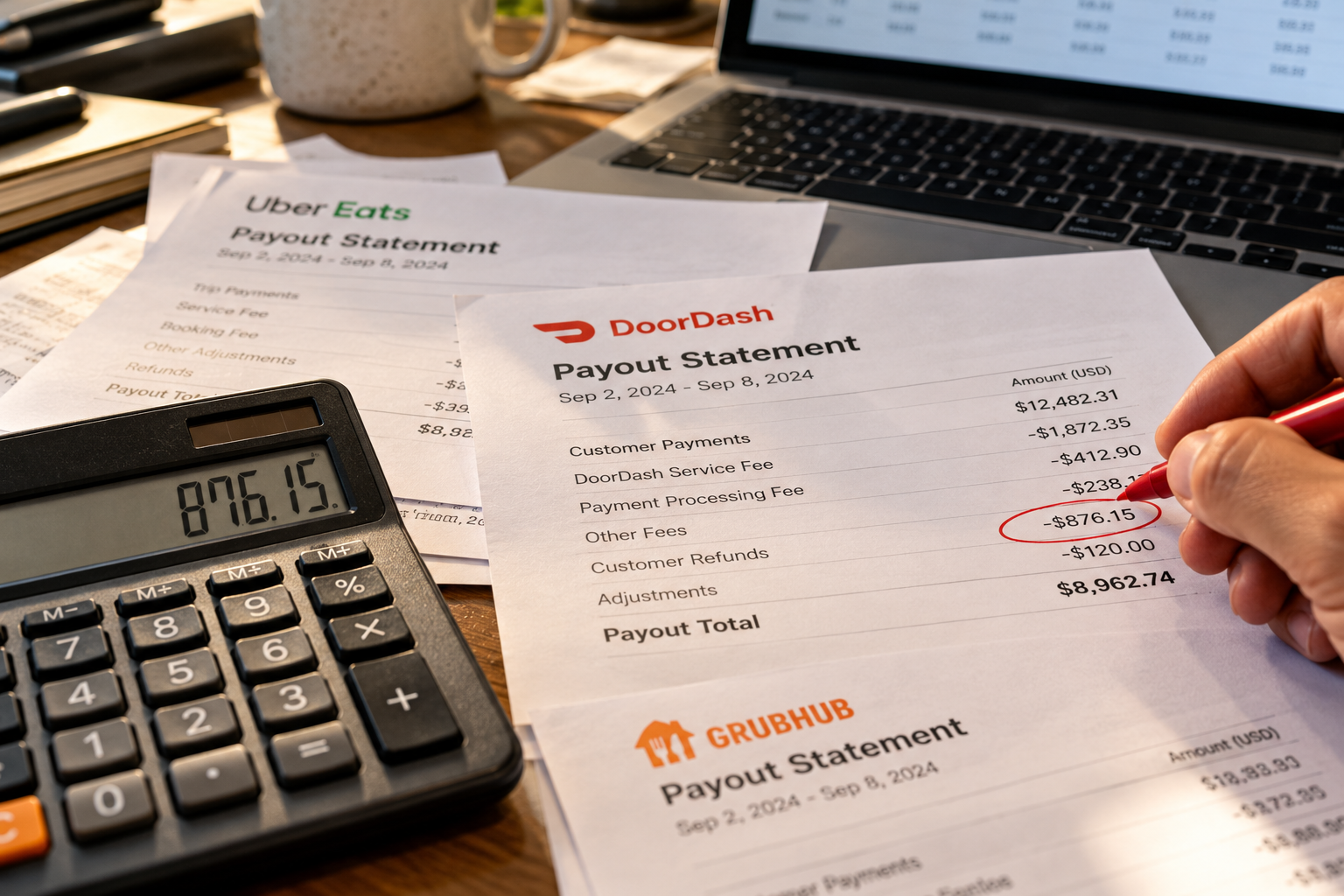
New orders create new claims every week, so a cleanup only holds until the next payout. The restaurants that keep the money run the same loop: read the statement, match deductions to orders, dispute the bad lines, log the outcomes.
That loop is the work Jelly does full time. Founded in 2021, Jelly audits delivery app payouts and disputes bad charges for restaurants across hundreds of locations on Grubhub, DoorDash, and Uber Eats, has recovered more than $1.6M, and holds an 89% success rate on refund recovery. See the plans at gotjelly.com/plans.
Frequently Asked Questions
Does Grubhub take refunds out of restaurant payouts?
Yes. When Grubhub refunds a customer, the amount is typically deducted from the restaurant's payout. The deduction stands unless the restaurant disputes it with its order records.
How do restaurants dispute a Grubhub refund?
Find the deduction and its order number in Grubhub for Restaurants, pull the kitchen ticket, packing record, and handoff time for that order, file the dispute through Grubhub merchant support promptly, and verify any promised credit on the next statement.
What Grubhub charges are most worth disputing?
Missing item refunds on orders packed complete, refunds for delays that happened after an on-time handoff, canceled orders paid at zero after food was made, duplicate deductions, and fee lines that do not match your agreement.
How long do Grubhub disputes take?
Timelines vary by case. Filing the same week you spot the deduction, with the order records attached, avoids most delays. Keep the reference number and confirm the outcome on a following statement.
Is Grubhub refund recovery different from DoorDash or Uber Eats?
The principle is the same on all three platforms: automatic refund first, restaurant payout deducted, dispute is the only way back. The portals, labels, and windows differ, which is why the weekly routine has to cover each platform separately.


Comments